Made for documents, notes, specs, and checklists

Markdown that keeps the page calm.

Marker treats Markdown as a document, not source code. Read it on a calm formatted surface, edit in raw or split mode, pull any checklist into its own panel, and export to HTML or PDF when the draft is ready.

  • view modesthree view modes
  • built-in themesfive built-in themes
  • starter templatesover twenty starter templates
  • HTMLPDF · Rich Text
Raw Markdown line numbers + syntax
# Launch plan

## Shipping checklist

- [x] Finalize icon
- [ ] Export landing copy
- [ ] Publish release notes

## What Marker handles

> Clean prose, checklists,
> readable previews, and
> exports when the draft is ready.

### Formats

1. Raw
2. Split
3. Formatted
Formatted Preview focused reading surface

Launch plan

Shipping checklist

  • Finalize icon
  • Export landing copy
  • Publish release notes
Clean prose, checklists, readable previews, and exports when the draft is ready.
Checklist focus Load from URL Drop .md anywhere

For people who want to write in Markdown, not wrestle with their editor.

The page is the product. Everything else is supposed to stay out of the way.

Real files, real folders, no database hiding your work from you.

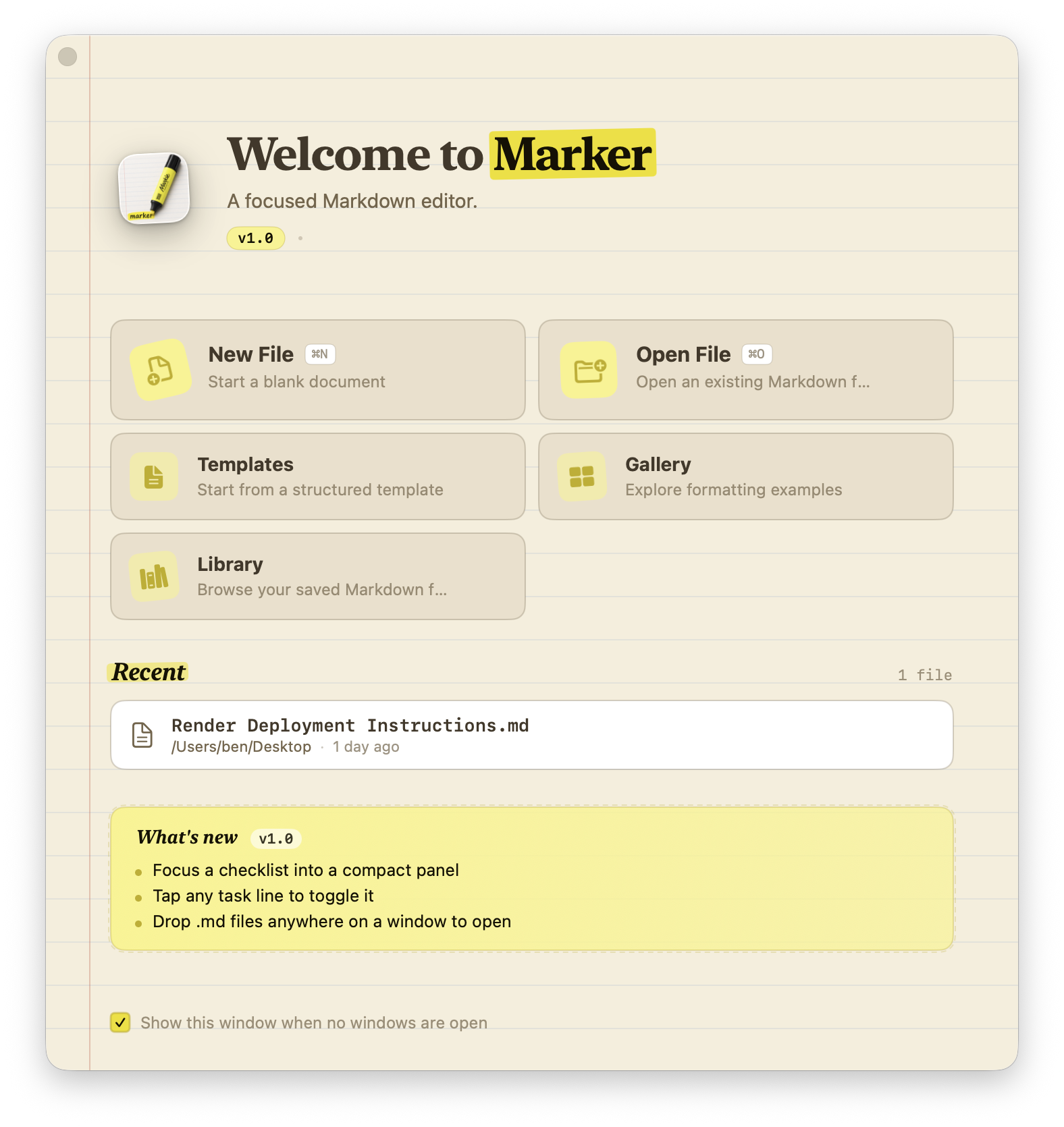
Screenshots from the current build.

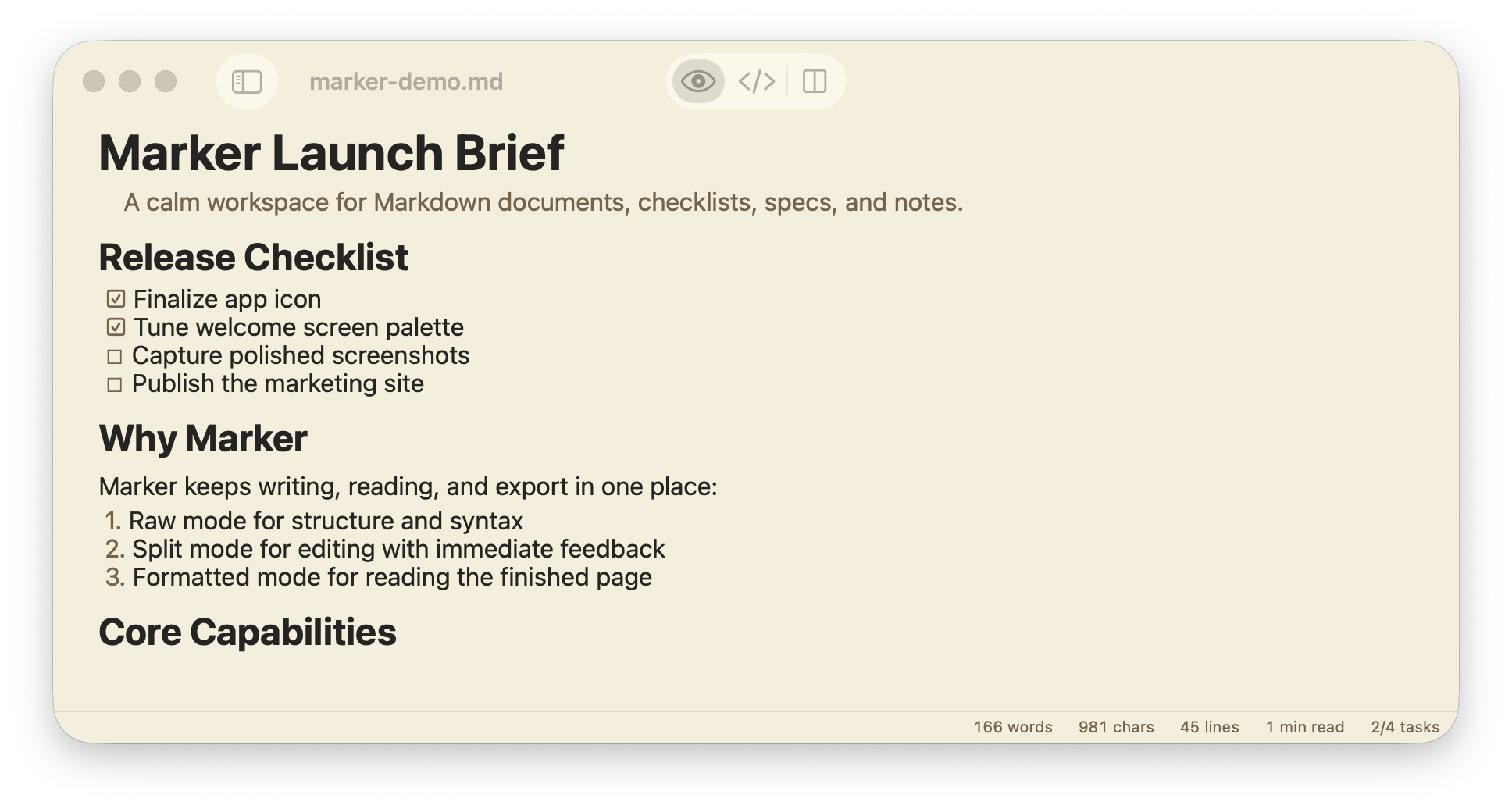
Formatted reading view for a Markdown document inside Marker.
Formatted View Read the page as a document, not as source code.

Clean typography, checklist rendering, and a low-noise reading surface.

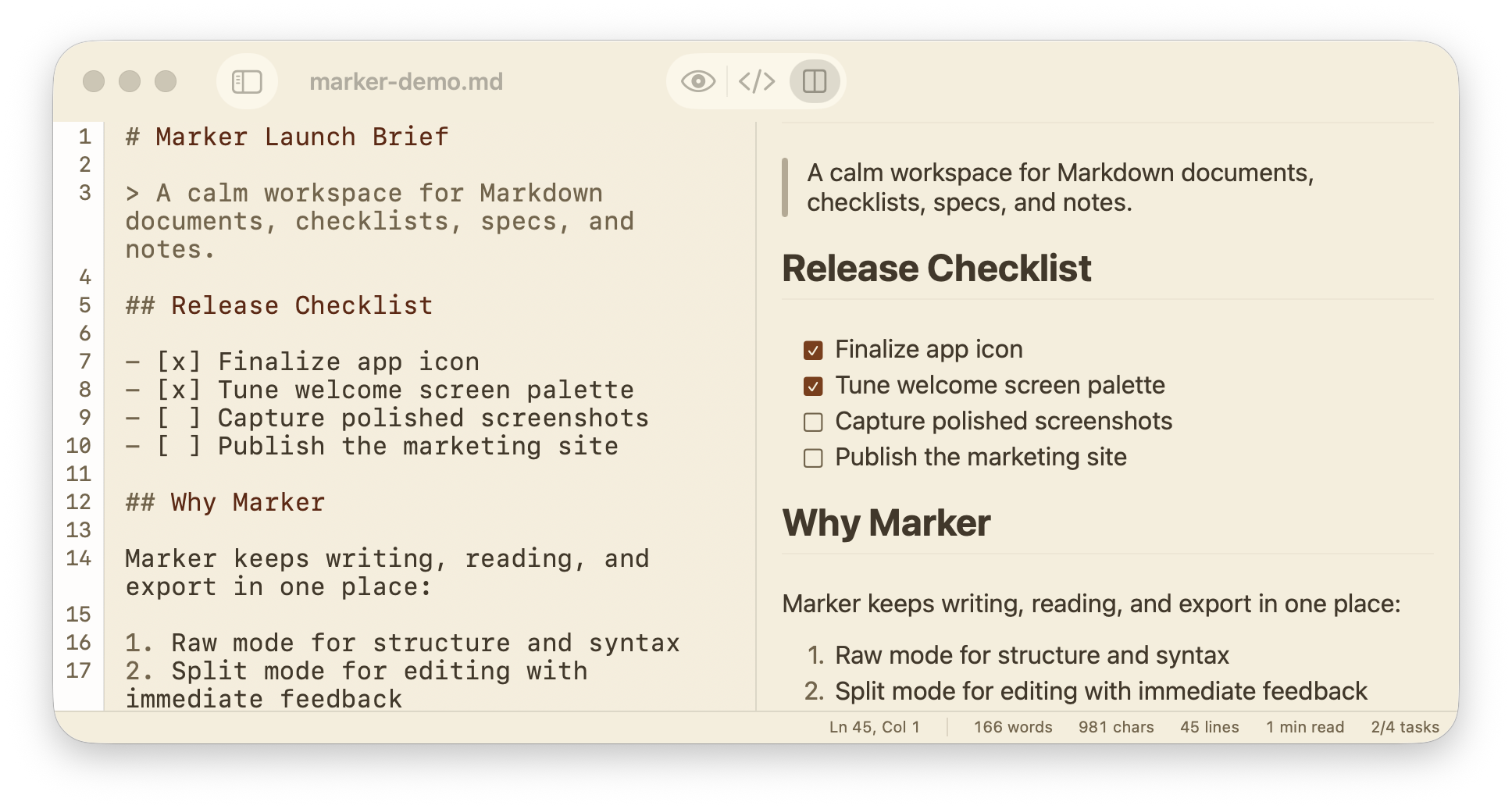
Split view in Marker with raw Markdown on the left and formatted preview on the right.
Split View Edit structure and output side by side.

The raw editor stays visible while the rendered document updates right next to it.

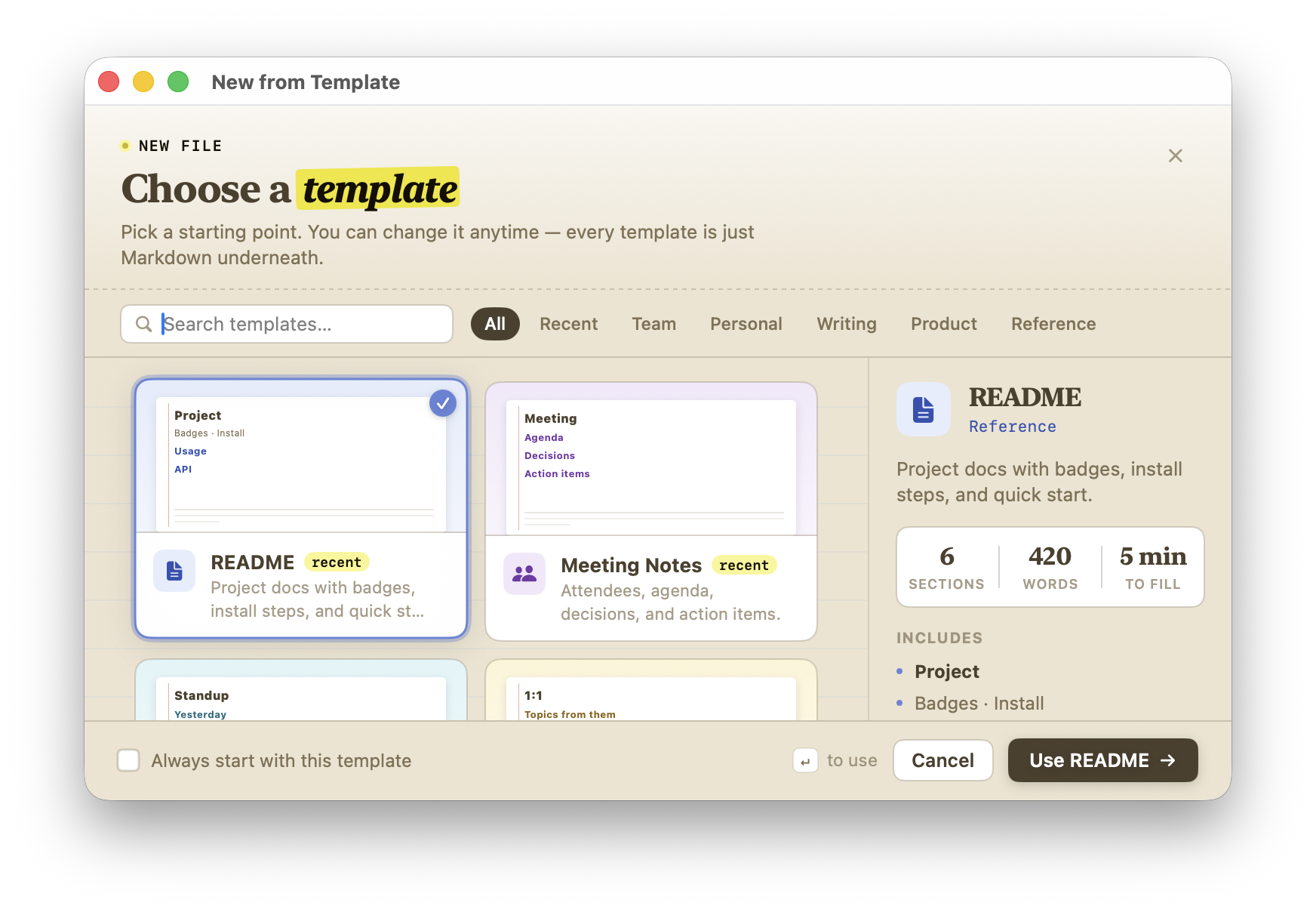
Template chooser window in Marker with README and notes templates.
Templates Start from something better than a blank page.

Ready-made structures for docs, meetings, specs, runbooks, and a few dozen other shapes a Markdown file tends to take.

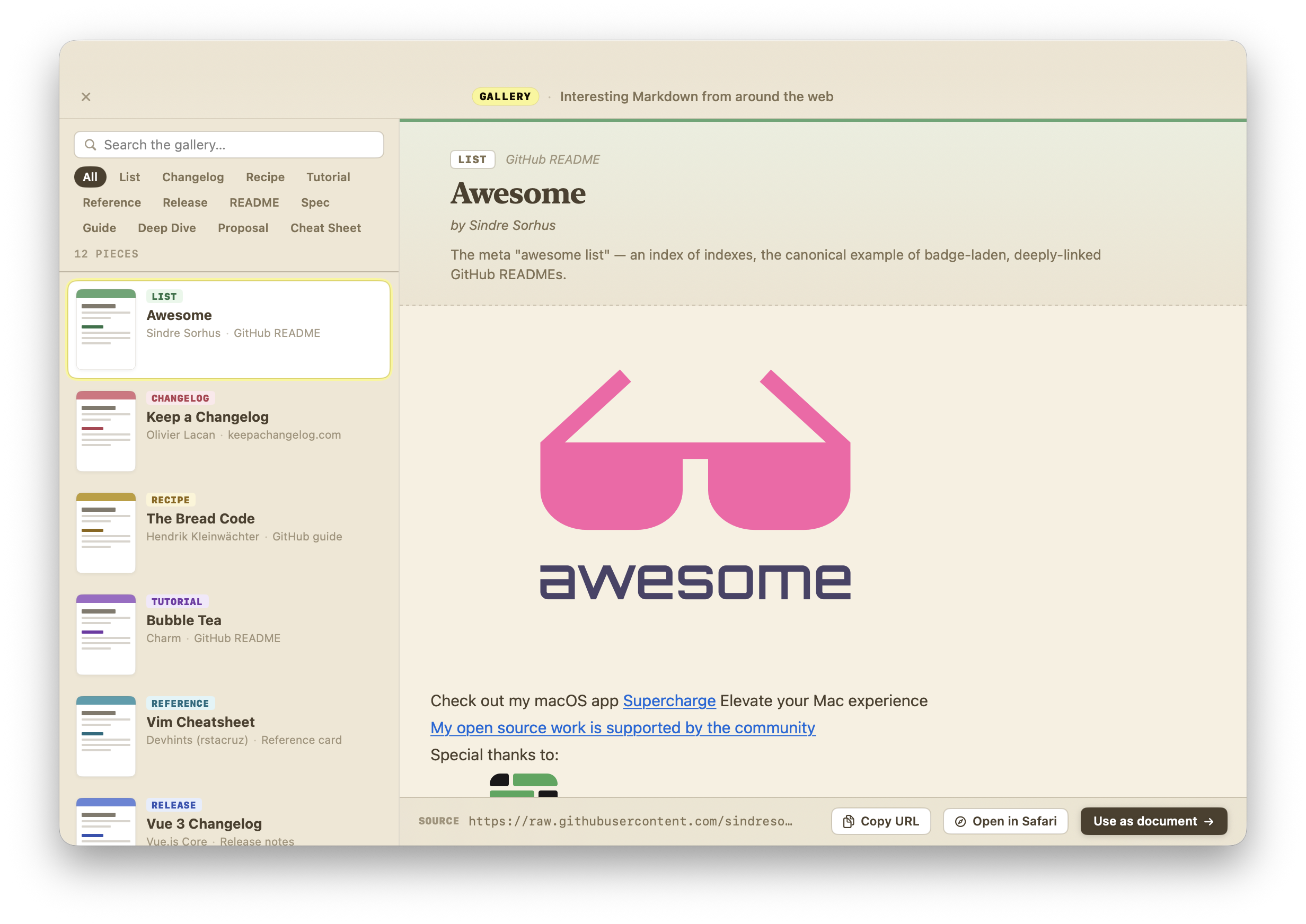
Gallery window in Marker showing public Markdown examples from the web.
Gallery See how other people format the same kind of page.

A growing collection of public Markdown documents, rendered through Marker so you can study the patterns, not just the source.

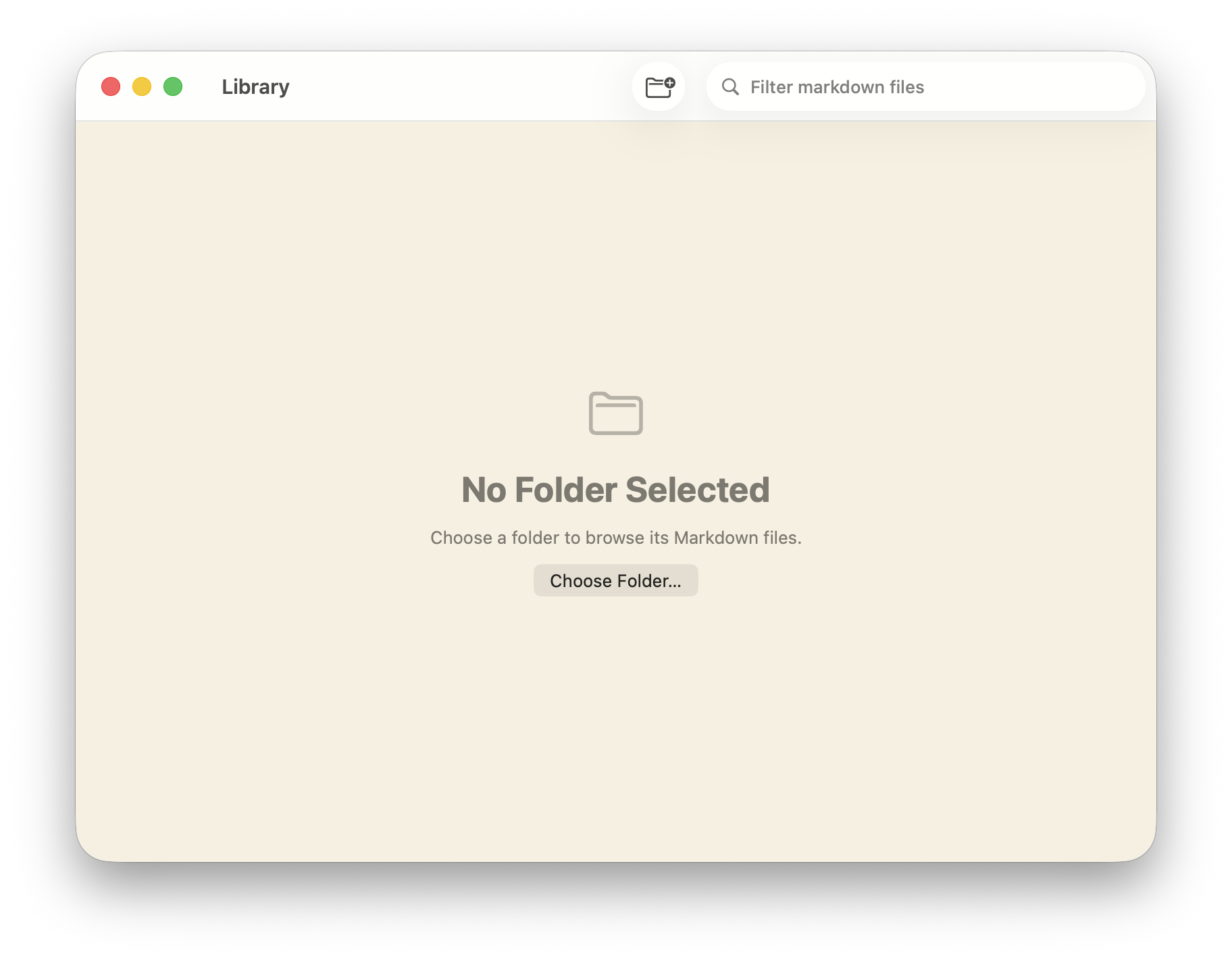
Library window in Marker for browsing local Markdown folders.
Library Browse your folders the way Finder shows them.

Marker reads the files where they already live. No import step, no parallel database, no lock-in.

What Marker actually does

Eight things, in order of how often you'll use them.

View Modes

Write raw, inspect split, or settle into formatted reading.

Three views, one keystroke apart: raw for structure, split when you want both at once, formatted when you want the page to feel done.

Templates

Start from something better than a blank page.

READMEs, meeting notes, postmortems, ADRs, specs, journals, tutorials, recipes, changelogs, runbooks — twenty-plus starter shapes so the cursor isn't blinking at you.

Checklist Focus

Pull a task list into its own compact panel.

Pin any checklist to a smaller side panel, mark items off without losing your place in the document, and drop back into the full page when you need the bigger picture again.

Export

Send the document out without losing the formatting.

HTML or PDF when you need a file you can share. Rich-text copy for the apps that expect styled text instead of asterisks and brackets.

Readability

See if the prose is landing before you ship it.

Reading ease, grade level, sentence density, vocabulary richness, and the words you keep repeating — all visible without leaving the document.

Library + Import

Open local files, browse folders, or pull Markdown from a URL.

Drop a .md file onto the icon. Browse a folder of them in the library window. Or paste a raw URL when the file you want lives on someone else's server.

Themes

Choose the reading surface that fits the document.

Light for daytime. Sepia for long reads. Dark for night. GitHub when the code is the point. System when you'd rather not think about it.

Gallery

Study real Markdown in the wild.

A growing collection of public documents rendered in Marker — a quick way to see how someone else solved the same formatting problem you're staring at.

A clean workflow

Marker stays useful from the first line to the final export.

01

Start from a template or a blank file.

Pick a template when the structure is the hardest part. Start blank when it isn't.

02

Move between editing and reading without changing tools.

Raw mode helps with structure, split mode keeps markup and output in sight, and formatted mode gives the document room to breathe.

03

Check the writing, not just the syntax.

Readability signals, top-word counts, and outline navigation help you catch the muddy sections before anyone else has to read them.

04

Share the result in the format the next app expects.

HTML or PDF when you need a file. Rich-text copy when the next app prefers it. Or just hand off the original .md.

HTML PDF Rich Text .md

Marker at a glance

A quiet tool for the writing you actually keep.

Marker treats Markdown as a document, not just a text file. The reading view, the export pipeline, and the checklist panel all answer the same question: is this ready to send?

  • Section outline that follows your headings
  • Task lists, blockquotes, tables, and code blocks render the way you'd expect
  • Calm typography instead of editor chrome
  • Quick Look preview for any .md, anywhere on disk

Ready to write?

For people who care how the page looks when it lands.

If the page matters more than the tool, Marker stays out of the way until you need it: steady, readable, and useful when the draft turns into something you can actually send.